1
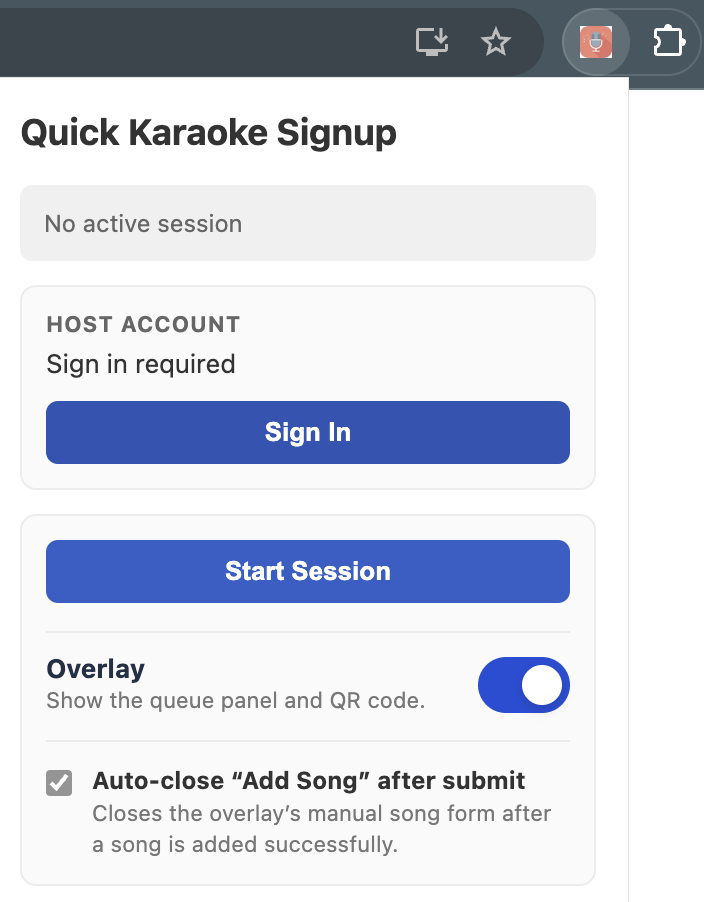
Start a session
Open YouTube, sign in from the Chrome extension, and start a karaoke signup session.
This free Chrome extension adds a QR code and live song request queue to YouTube karaoke. Guests sign up from their phones, see their place in line, and never need to install an app.
Keep using YouTube. Add the missing piece: a simple song signup list guests can use from their phones.
Open YouTube, sign in from the Chrome extension, and start a karaoke signup session.
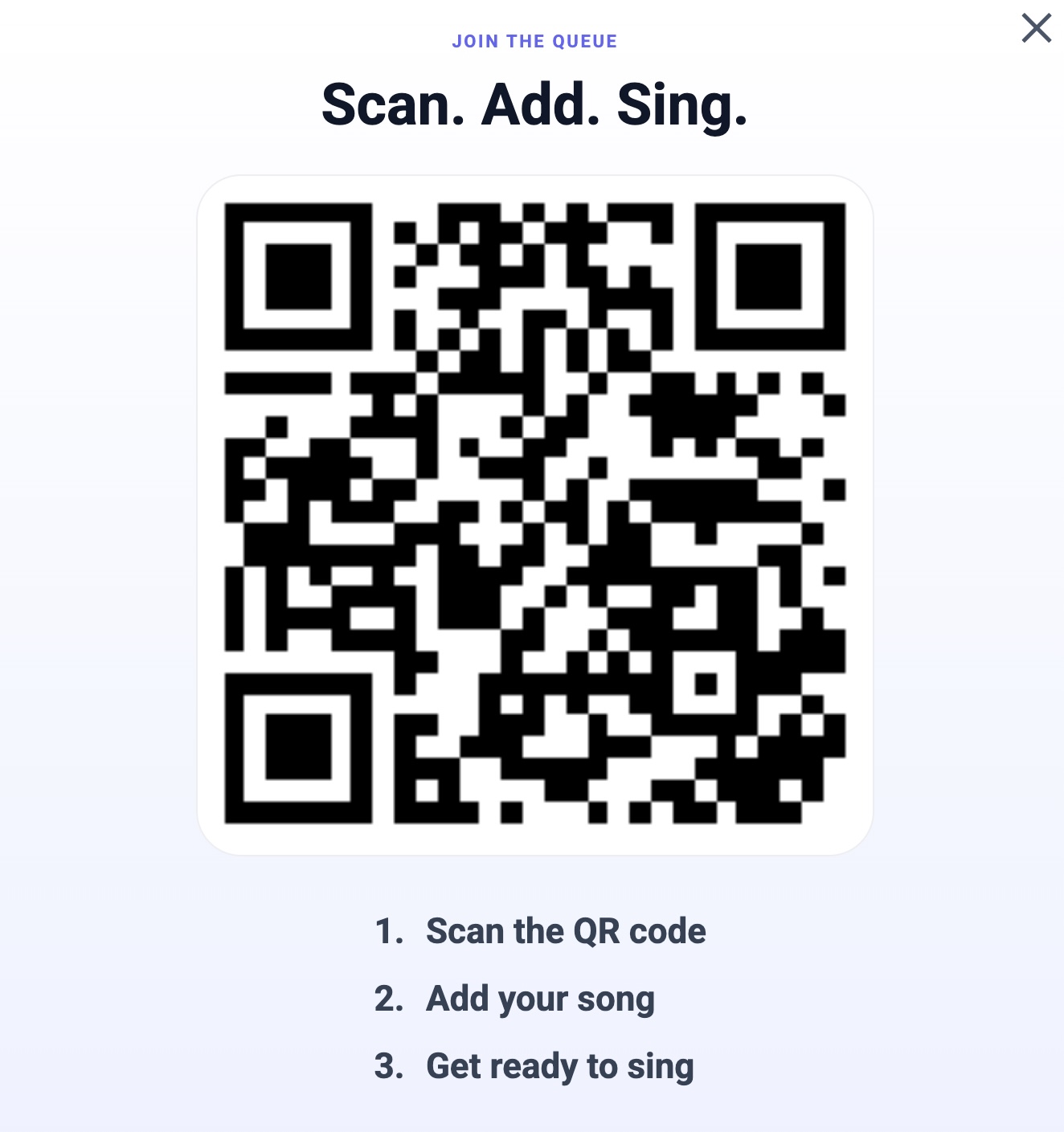
Guests scan the QR code and request a song from their phone browser. No account and no app install.
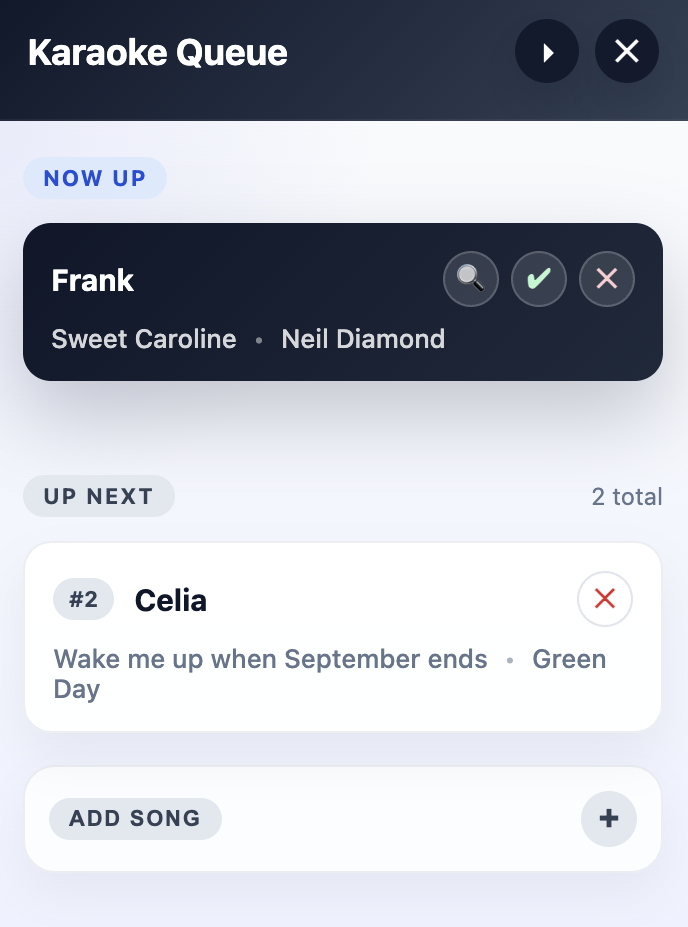
The YouTube overlay shows who is singing now and who is up next, so the night keeps moving.
A lightweight helper for hosts who want requests organized without switching away from their karaoke video.
Install the Chrome extension once, then keep hosting karaoke from YouTube.
Guests just scan the QR code from the shared screen and request a song in their browser.
Replace paper lists, spreadsheets, and shouted requests with one QR-powered signup flow.
Manage the current request from the overlay without losing track of the queue.
Install the Chrome extension, start a session on YouTube, and let guests join from their phones in minutes.
Quick answers for hosts looking for a QR code song signup system that works with YouTube.
It is a free Chrome extension that adds a QR code and live guest song request queue to YouTube karaoke nights.
Guests scan the QR code on the host screen, enter their name and song, and join the queue from their phone browser.
No. Only the karaoke host installs the extension. Guests do not need an account, an app, or a browser extension.
No. The host keeps using YouTube for karaoke videos while Quick Karaoke Signup organizes guest requests and the queue.